Apple For Your Business
Switch From Windows to Mac
Keep Your Files.
Keep Your Workflow.
Discover What Mac Can Do for Your Business.
Apple For Your Business
Keep Your Files.
Keep Your Workflow.
Discover What Mac Can Do for Your Business.
Switching your business from Windows PCs to Apple Mac computers doesn't mean abandoning years of work, replacing every business application, or starting over with unfamiliar software.
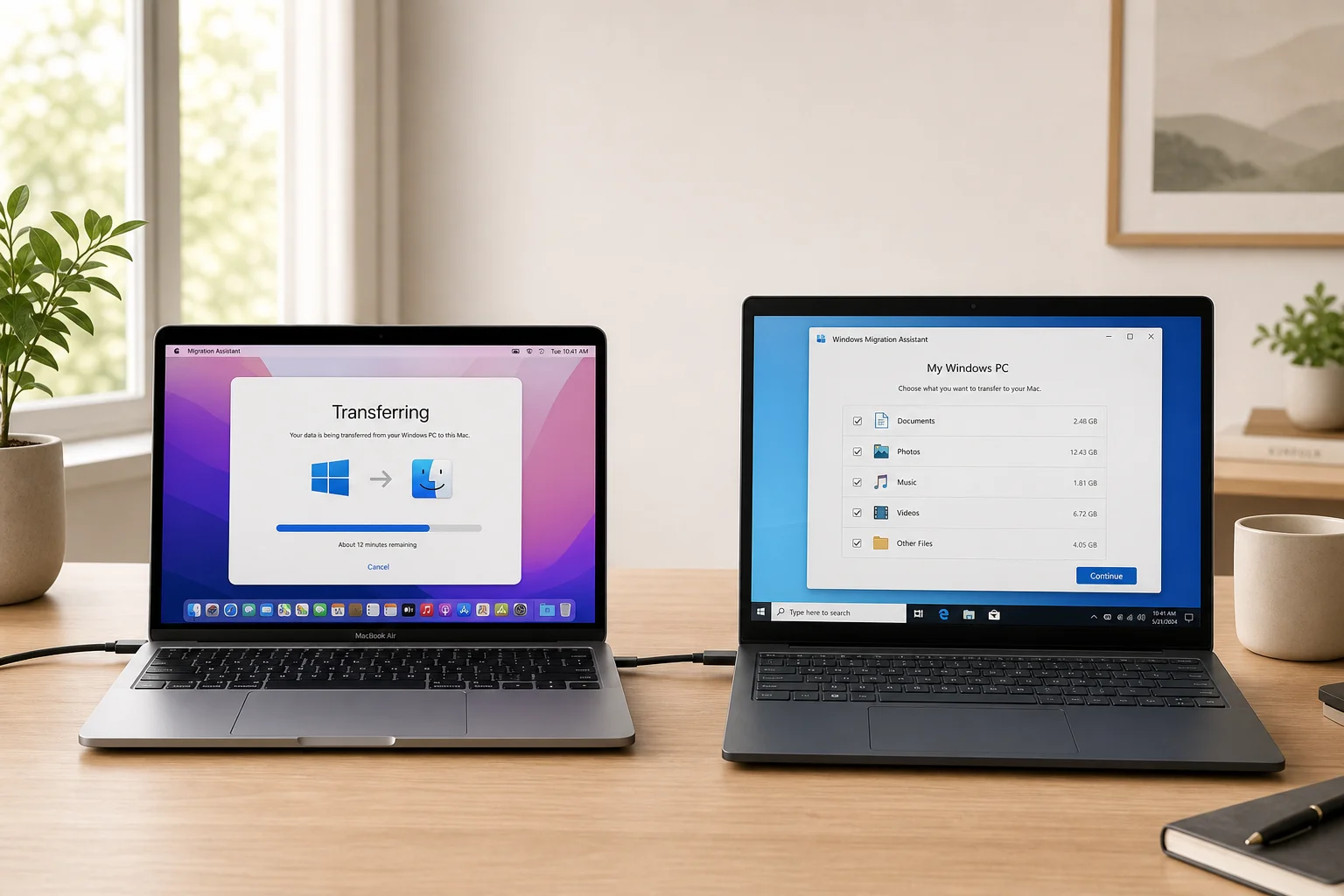
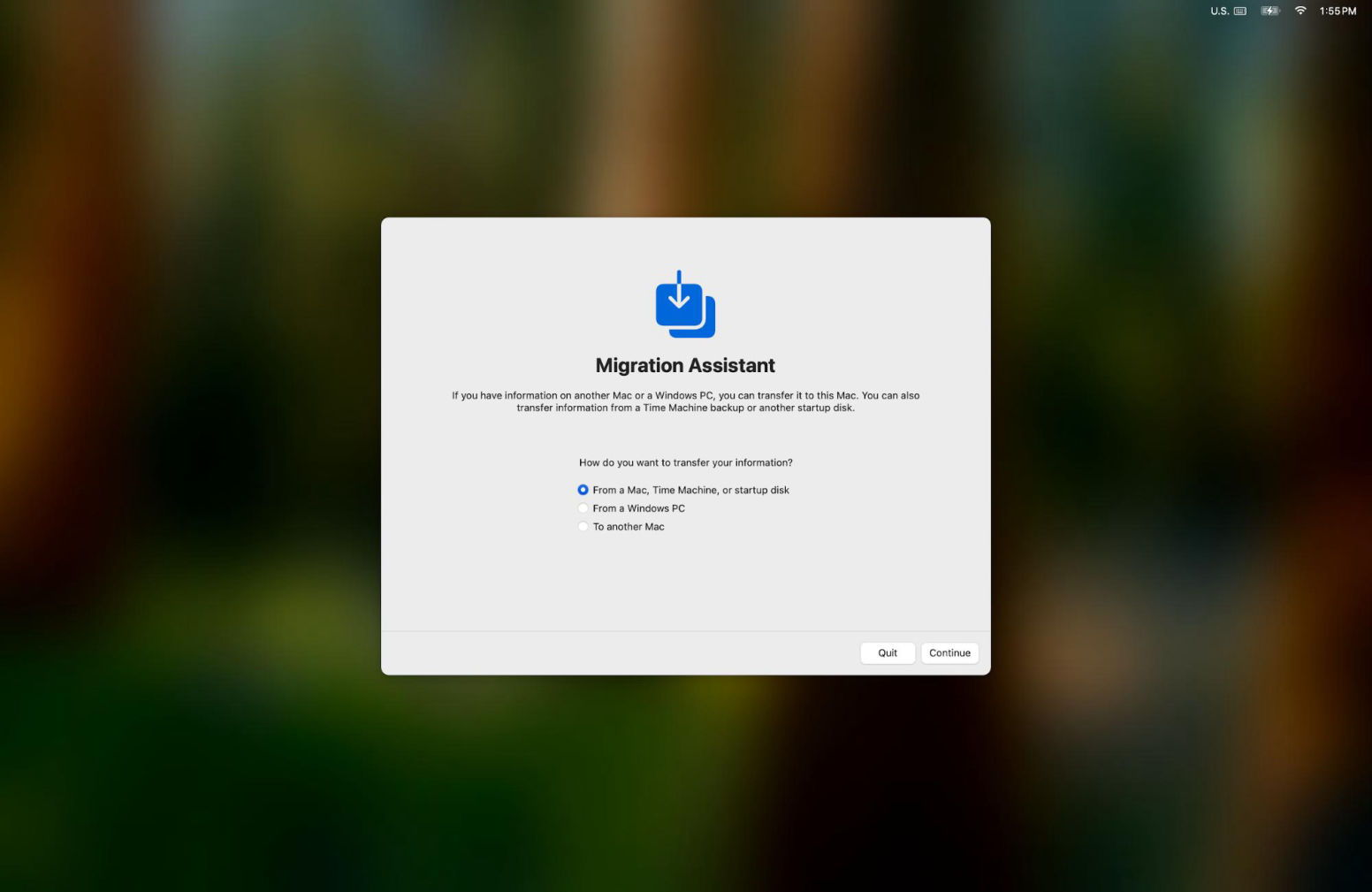
At ThinkByte Studio, we help businesses make the transition from Windows to macOS with an incredible built in Mac app called Migration Assistant. When powering on your Mac, one of the first questions it asks is if you want to transfer your data from your old computer to your new Mac. Once you click yes, it finds the Windows computer in your home automatically, transfers anything or everything you want moved over, and boom you're done.
The amazing thing about Mac is that there is a Mac version of Microsoft Office for Mac, that you can instantly use the moment your Mac is first powered on.
But if you prefer the exact layout and way Microsoft Office looks on Windows, we can install the exact Windows version of Microsoft Office onto your Mac so the experience will be the same as on your Windows computer.
In January 2007, as Steve Jobs announced The iPhone he added "iPhone runs OSX." OSX is the Mac operating system, a few years back Apple changed the name to macOS for better recognition. So if you ever used a iPhone or a iPad, you have actually used macOS. Once you open your Mac you'll notice all the apps looks the same, thats because they're. Settings looks like settings on your iPhone, Messages works and looks like Messages on your iPhone. And best of all theres nothing you need to do. You never shut off your iPhone, so you dont ever have to shut off your Mac. There is no learning curve because you already have been using a Mac for years.
Mac computers include advanced security technologies designed to help protect your employees, business information, and company devices.
Apple's FileVault technology encrypts information stored on your Mac, helping prevent unauthorized access if a computer is lost or stolen. Apple's Gatekeeper software helps protect your Mac against untrusted applications, while XProtect provides built-in malware detection and removal.
When combined with professional Apple Business device management from ThinkByte Studio, organizations can establish consistent security policies, configure important software updates, deploy approved applications, and manage company-owned computers remotely.
You focus on running your business. We'll help take care of the Macs that keep it running.

Before recommending a single Mac, ThinkByte Studio takes the time to understand your business, how your employees use their computers, and the applications and technology your company relies upon every day.
We begin by identifying the Windows applications you and your employees rely on every day, including Microsoft Office, accounting software, customer relationship management (CRM) systems, and other essential business applications.
Just because an application was designed for Windows doesn't mean you have to leave it behind when switching to Mac. ThinkByte Studio offers solutions that all your Windows only applications to run on Apple computers, helping your employees continue using the software they're already familiar with.
We evaluate your applications, then bring them over to macOS, and then transfer your existing documents, files, and business information. Our goal is to ensure your transition to Mac is as seamless as possible, minimizing disruptions to your daily business operations.
Keep the Applications You Know.
Keep the Workflow You Love.
Experience the Mac.
Not Every Employee Needs the Most Expensive Mac. They Need the Right Mac.
Purchasing new computers for your business is an investment, and choosing the wrong equipment can result in unnecessary expenses, reduced productivity, or extra costs that your company's doesnt need.
That's why ThinkByte Studio doesn't simply recommend the newest or most expensive Apple computer.
We evaluate how you and your employees actually use your computers and determine which Mac will deliver the performance, features, and value your business requires.
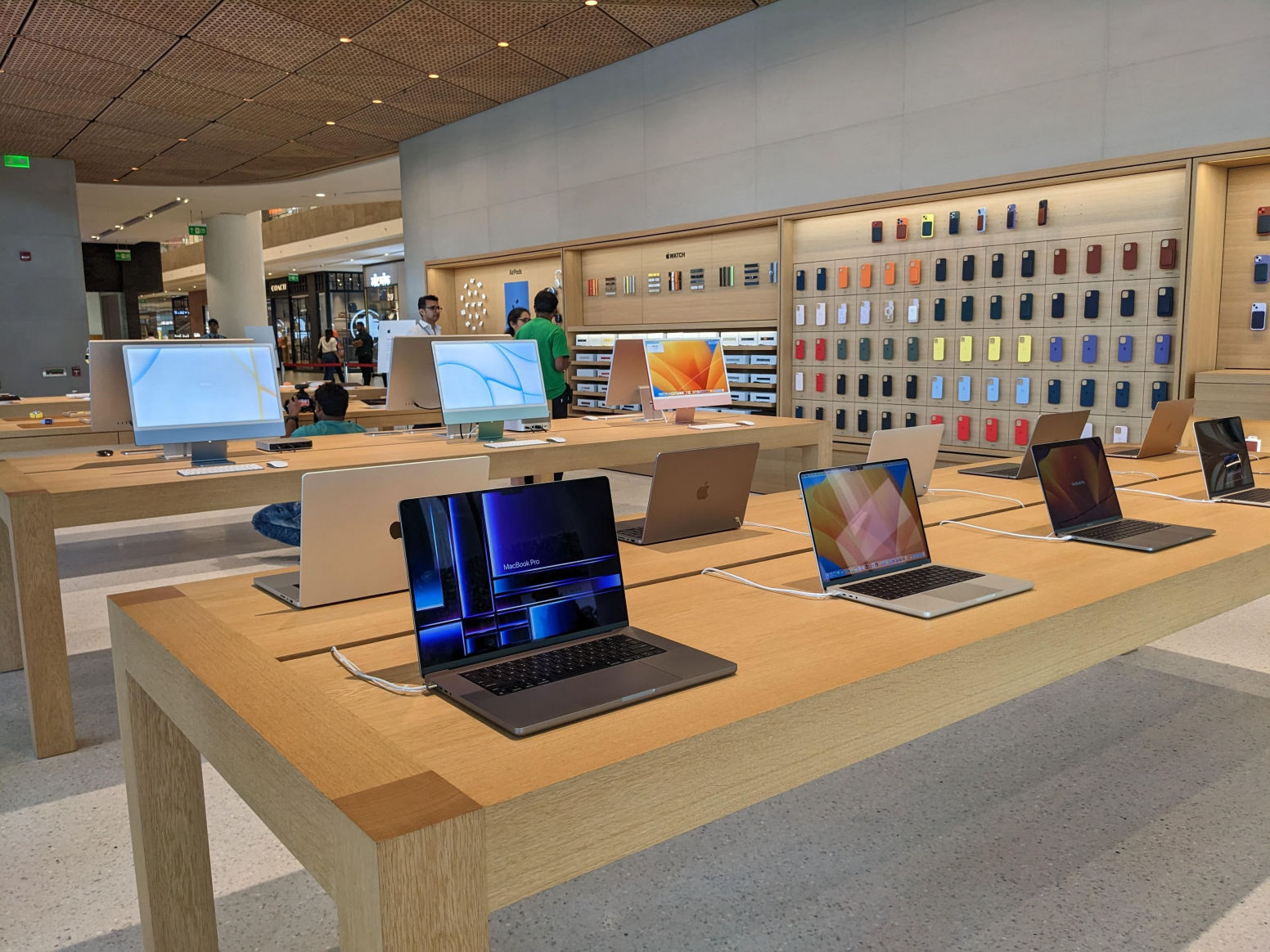
For example, an employee primarily working with email, Microsoft Office documents, spreadsheets, and web-based business applications may find that a MacBook Air provides everything they need.
An employee who works primarily from an office may be better suited to an iMac or Mac mini.
Meanwhile, employees working with demanding professional software, complicated business applications, video production, or intensive multitasking may benefit from the additional capabilities of a MacBook Pro or Mac Studio.
ThinkByte Studio evaluates important hardware requirements, including processor performance, unified memory, storage capacity, external display support, portability, and compatibility with your existing equipment.
We can also help connect the monitors, docking stations, keyboards, mice, printers, adapters, and other accessories that you already own work on Mac.
But honestly with Mac, its as simple as 'Plug & Play'.
One of the biggest concerns businesses have when switching from Windows to Mac is what will happen to their existing information.
Years of customer documents, financial spreadsheets, presentations, invoices, business correspondence, employee records, and other important files may be stored on your Windows computers.
Switching to Mac doesn't mean starting over or abandoning the information your company has spent years creating.
ThinkByte Studio helps plan and carry out the migration of your existing business information from Windows computers to your new Macs.
We help identify the documents, files, folders, accounts, and application data that need to be transferred. Apple's Migration Assistant is an incredible application that makes all of this possible without spending hours doing it manually.
This may include Microsoft Word documents, Excel spreadsheets, PowerPoint presentations, PDFs, images, videos, email information, browser bookmarks, and other business files.
For businesses using cloud services such as Microsoft OneDrive, Google Drive, or other supported storage platforms, we can help configure access to those existing accounts on your new Macs.
For businesses using Google Workspace, ThinkByte Studio provides administration and technical support to help organizations manage Gmail, Google Drive, Google Calendar, Google Meet, Google Docs, Google Sheets, and other Google Workspace applications. Our services include employee account management, email setup and troubleshooting, security configuration, data migration, domain and DNS configuration, user permissions, and ongoing technical assistance.
And here's one of the greatest advantages of using Apple Business:
Your company's new Macs can be assigned their business configurations before they ever reach your employees.
Through Apple's automated device enrollment capabilities, eligible company-owned Macs can be assigned management settings and application deployments while they're still sealed in their original packaging.
When an employee receives their new Mac, opens the box, connects to the internet, and completes the initial enrollment process, the computer can automatically receive its assigned applications, security settings, and company configurations.
ThinkByte Studio can help deploy approved business applications, configure managed employee accounts, establish Wi-Fi and VPN settings, and prepare access to supported Microsoft 365, Google Workspace, and other business services.
You're done and ready to begin working. The entire process takes minutes, from the moment the delivery arrives at your front door to you getting back to work.
No, all your Word documents, Excel spreadsheets, PowerPoint presentations, and other Microsoft application files can be edited in macOS just like you did on your Windows computer. We recommend testing complex files, macros, special fonts, and advanced formatting before a full transition.
Yes. All the content, settings, mailboxes, sharepoint data will be as easily accessible as they were on your Windows computer.
No, unfortunately there is a general misconception that Mac's are more expensive than computers running Windows. In fact they are cheaper, have longer battery life and are even more powerful than Windows computers.
Walt Mossberg, who is one of the legendary technology reporters, mentioned to Steve Jobs "You're you're much more price competitive ... in some cases you're priced more aggressively than a Windows counterpart"
The long story would take a while to explain, but in short, it comes down to Apple Silicon. When Apple released The iPhone 4 in 2010 it unveiled The A4 chip, it became the first phone maker to design their own processor. And then on every year their incredible hardware and software teams managed to nearly doubled the performance of the chips. So in 2020, the chip team developed The M1 chip, which became the first Apple designed chip to go into a Mac. Reviews instantly highlighted the extreme power of the computer, its week long battery life, and low cost. Apple was able to cut out the middle man, Intel, which allowed them to pass on the savings to their customers.
We use a combination of software options available to us. Some developed by Apple, and other software solutions developed by former Apple employees who knew the ins and outs of macOS and were able to get Windows apps to run seamlessly on Mac.
Great question, on average about 7 to 10 years.